What’s new · On a phone
Start on your phone, carry on at a bigger screen
One emailed link opens your quilt on your computer or iPad, already signed in.
On this page
In short
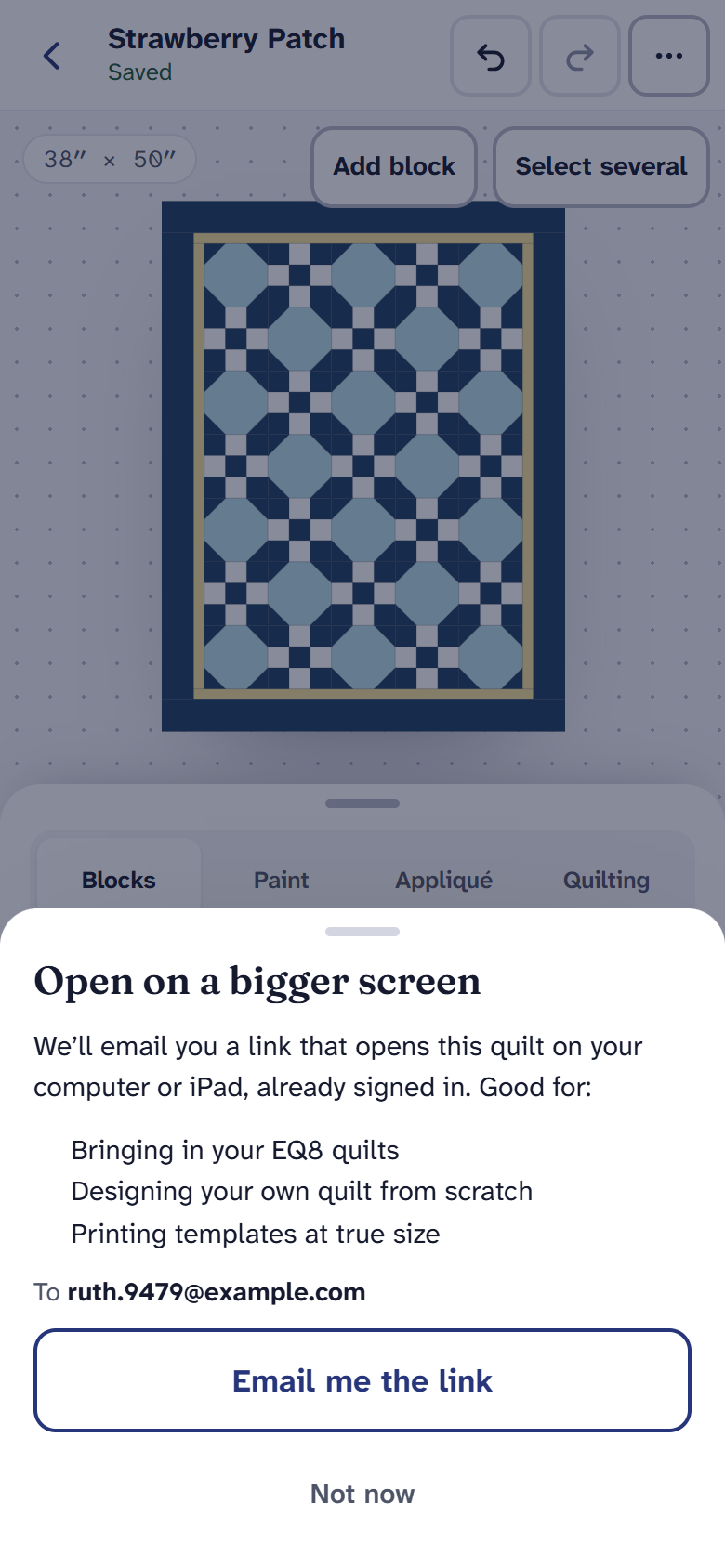
On a phone, Print, Import, the menu and the page after paying now offer Open on a bigger screen. It emails you a link that opens your quilt on your computer or iPad, signed in. The link works once, any time in the next 7 days.
Why. Almost everyone now arrives on a phone. Some things go better on a bigger screen: bringing over an EQ8 folder, designing from scratch, printing templates at true size. So the bigger screen is offered, never required.
One link, one tap
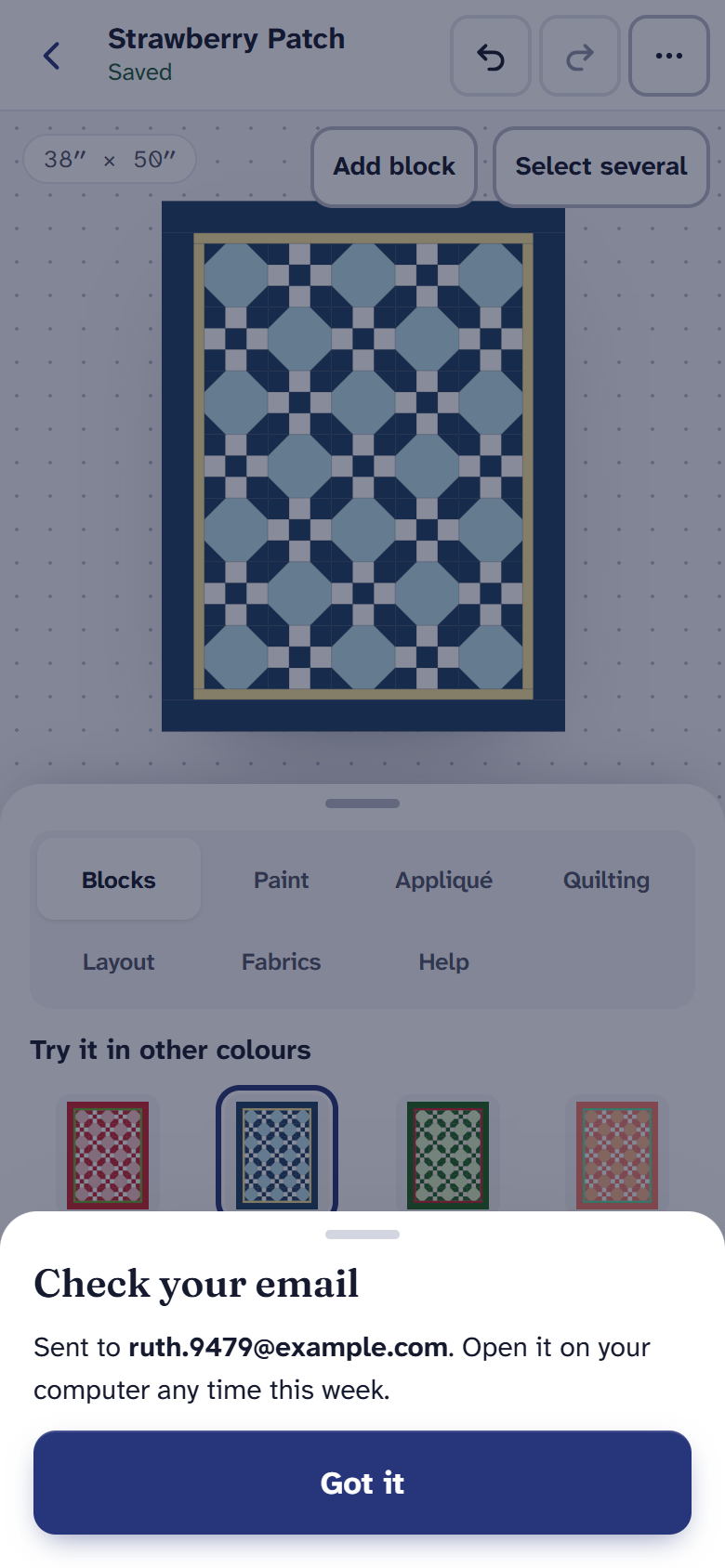
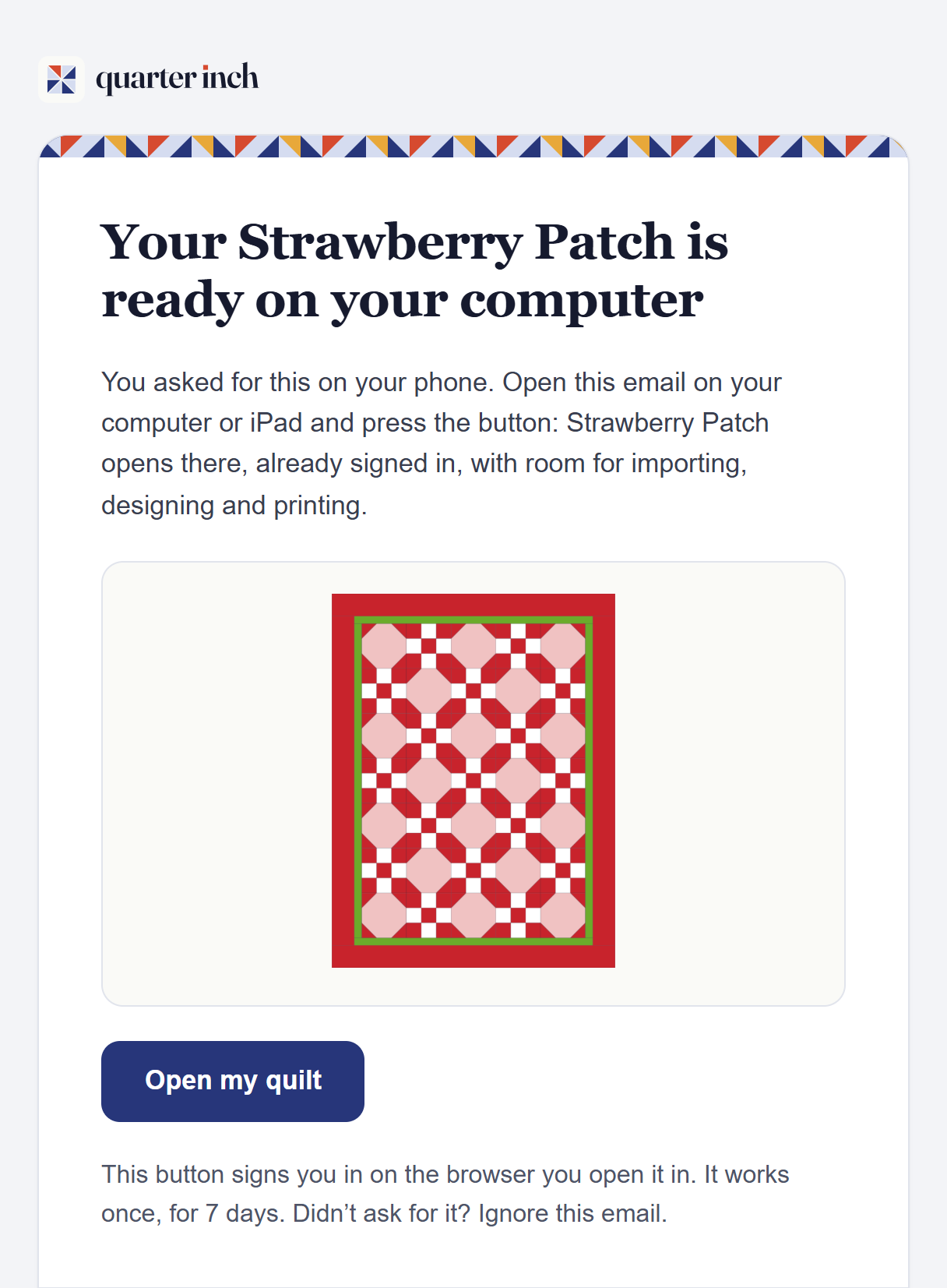
Tap Email me the link. On your computer, open the email and choose Open my quilt. For EQ8 files, the link opens Import instead.
Only when you ask
- Quarter Inch only emails a sign-in link when you ask for one.
- Each link works once, and only for 7 days.
- Signing out everywhere, changing your email or deleting your account cancels any links you haven’t used.
Where to find it
Opens your quilts. On a computer, you’re already where the link would take you.