What’s new · Help
First steps in the designer
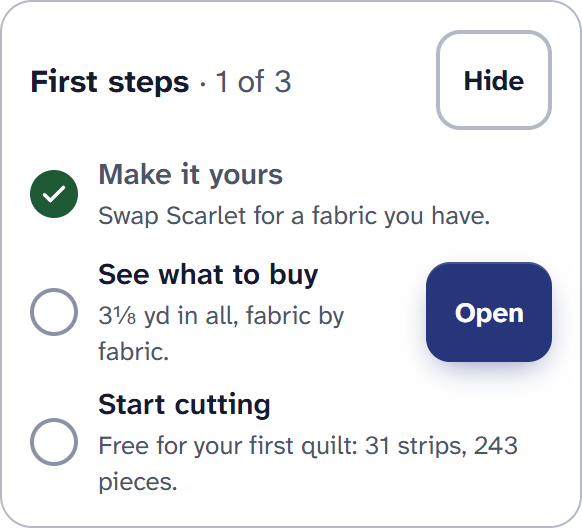
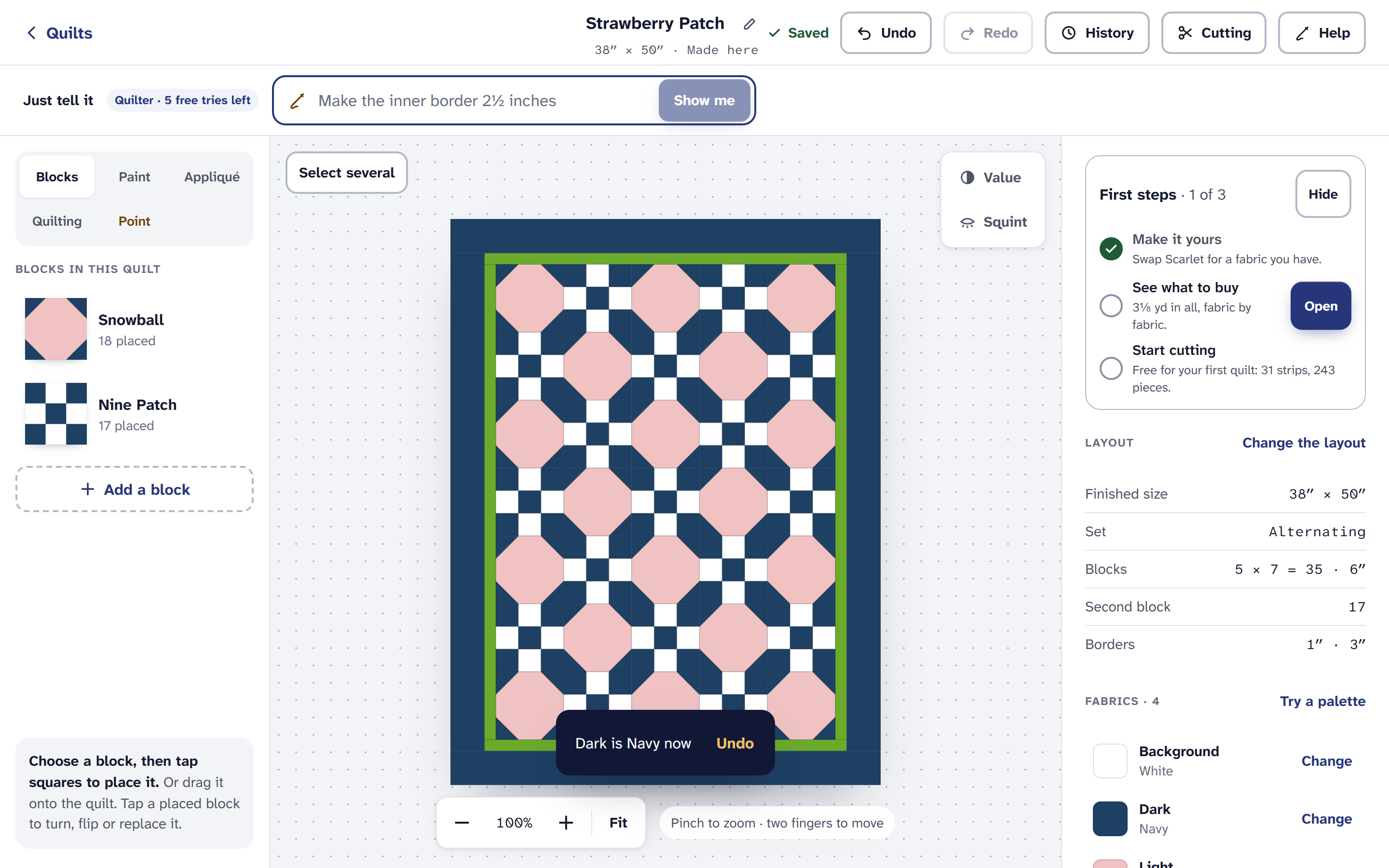
A small card shows the way on your first quilt: swap a fabric, see what to buy, start cutting.
On this page
In short
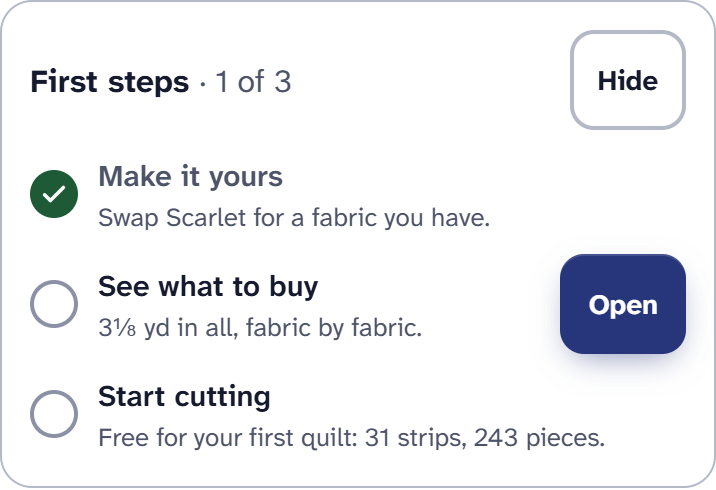
On a sample copy, or a Free quilter’s first quilt, a First steps card shows three things to do: swap a fabric for one you have, see what to buy, then start cutting. Each step ticks itself as you do it.
Three steps, ticked as you go
The steps are about your quilt, with its own numbers: See what to buy gives the yardage in all, and Start cutting counts the strips and pieces.
Hide it, or bring it back
Hide removes the card for good on that quilt. Changed your mind? Account › Help has Show first steps again.
Opened from Facebook or Instagram? Inside their own browser, a line explains that your quilt is saved, and that you can open it on a computer or iPad.
Where to find it
Open a sample copy, or your first quilt, in the designer. To bring the card back: Account › Help › Show first steps again.
Opens your quilts.