What’s new · Patterns
Patterns print shorter, and go together row by row
Choose how the block pages print and see the page count before you do. Every assembly step now has its own drawing.
On this page
In short
Patterns are shorter now. On the Pages and print tab you choose how the block pages print, and see how many pages and sheets each way takes. Putting it together has a drawing for every step, numbered to match the lengths table.
You asked for this. A pattern designer writing patterns for a quilt retreat asked us for shorter, clearer patterns on November 27. This went live the next day, with two more changes from the same request: half-square triangles and precuts.
Choose how the blocks print
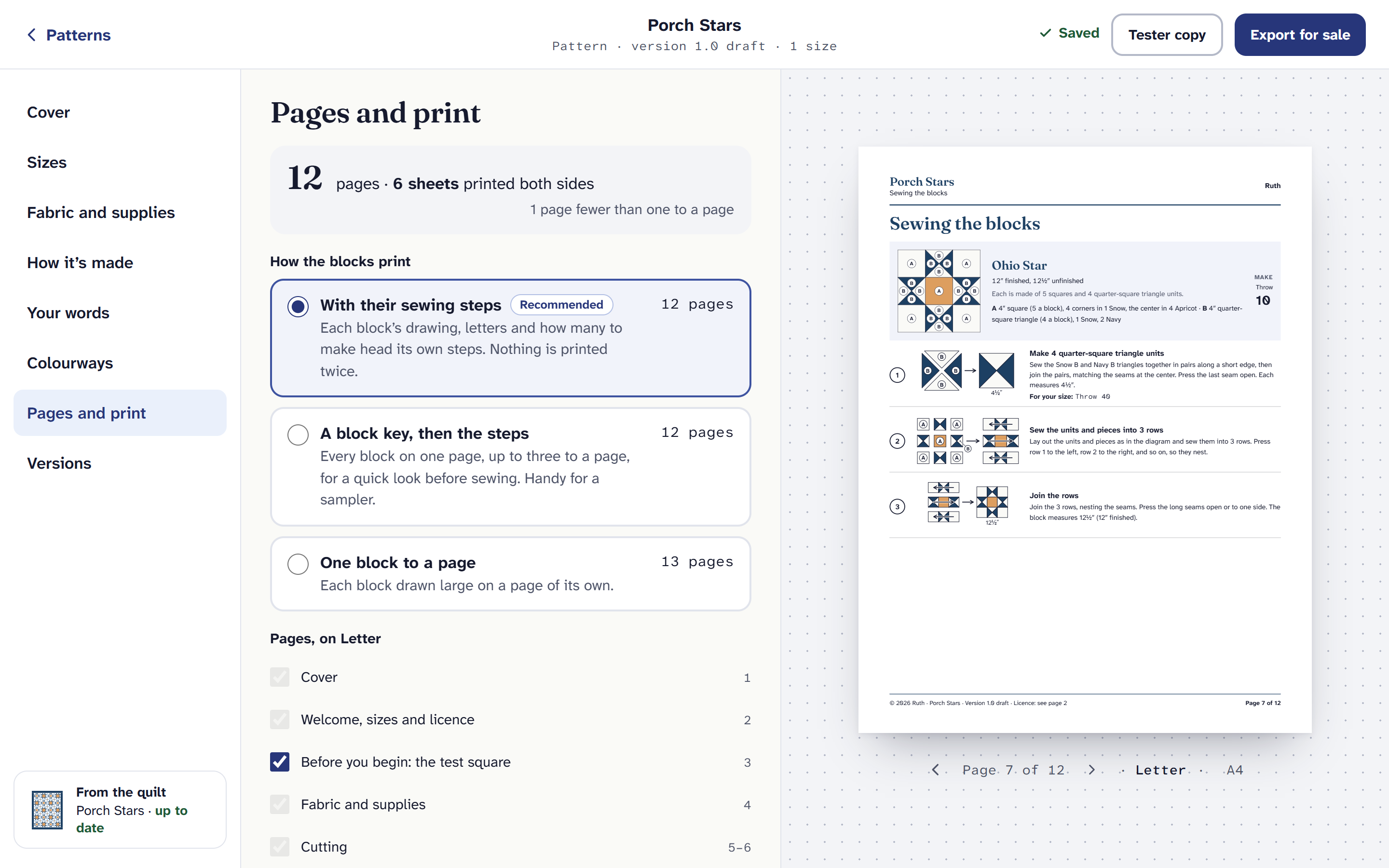
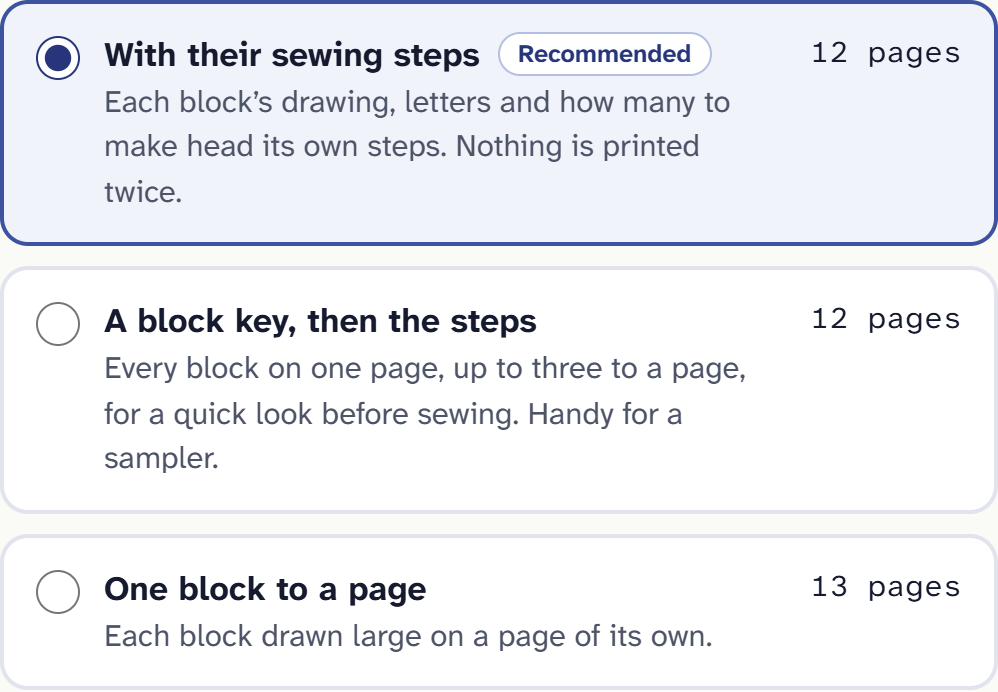
Open a pattern and go to Pages and print. Under How the blocks print there are three choices, each with its page count:
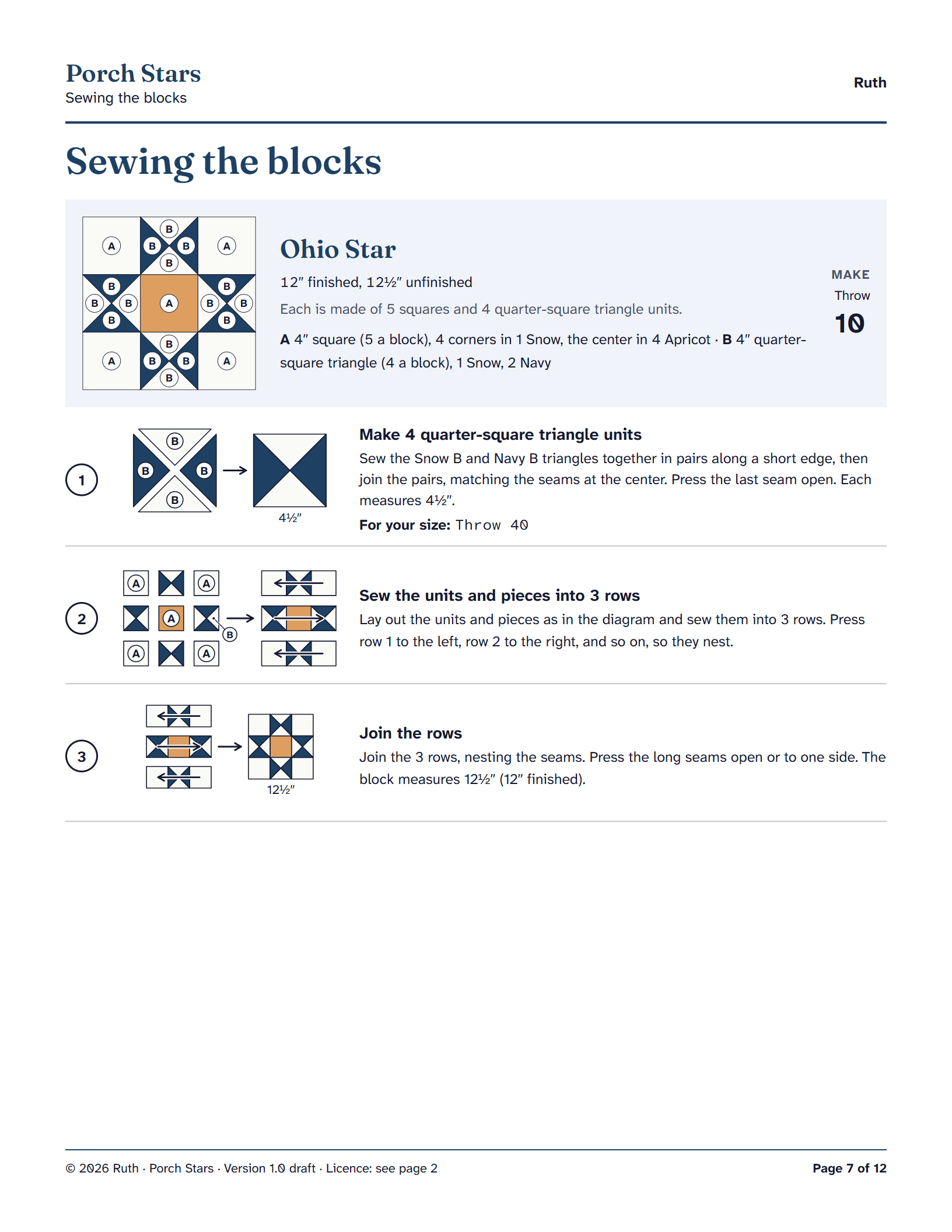
- With their sewing steps. Each block’s drawing, letters and counts head its own steps. This is the new choice for new patterns.
- A block key, then the steps. Every block on one page, up to three to a page, for a quick look before sewing. Handy for a sampler.
- One block to a page. Each block drawn large on a page of its own, as before.
Already published? Published versions keep their pages until you publish them again, so nothing changes under a buyer’s feet.
Nothing prints twice
Before, a block’s drawing printed on its block page and again beside its sewing steps. Now, with the first choice, the drawing, the letters and how many to make sit at the top of the block’s own steps.
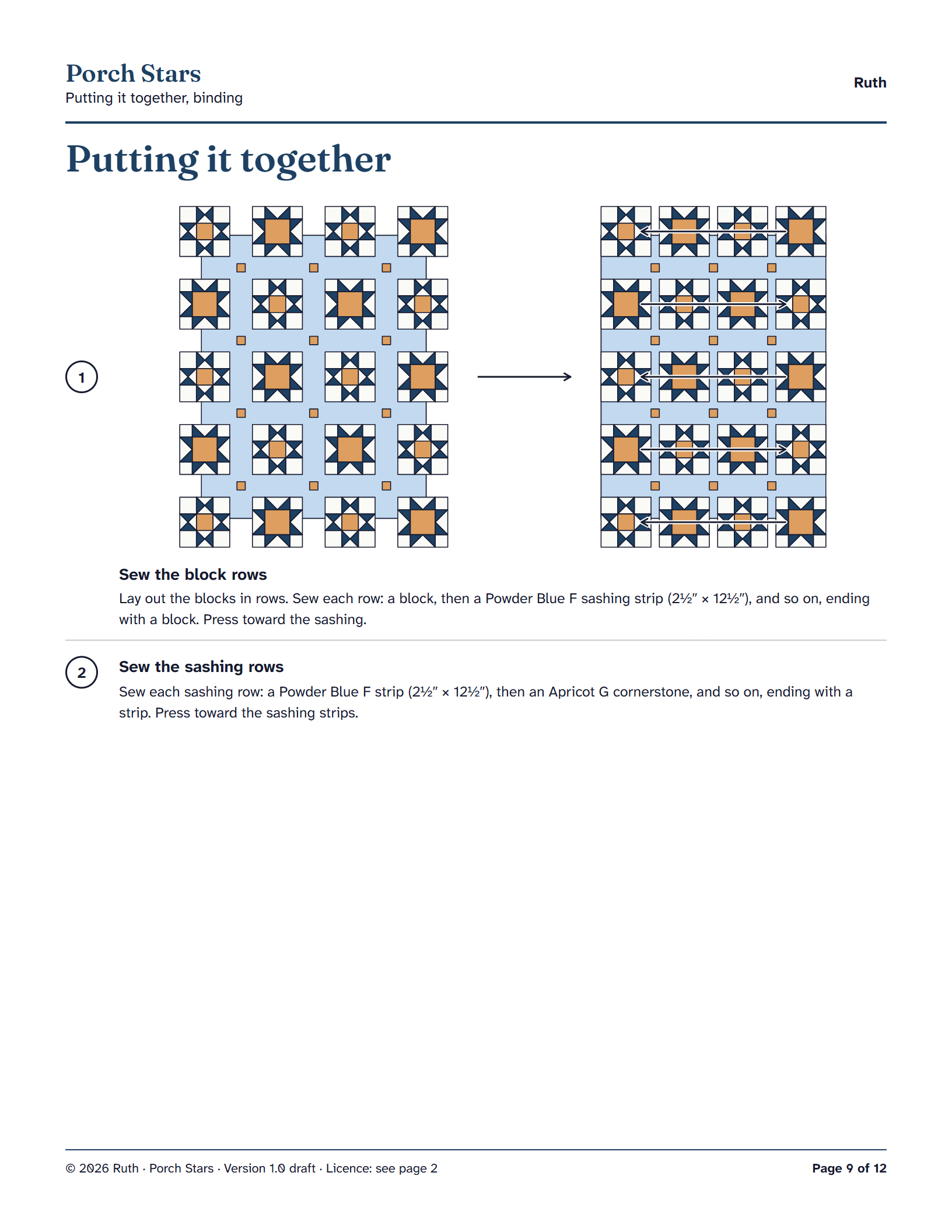
Putting it together, drawn
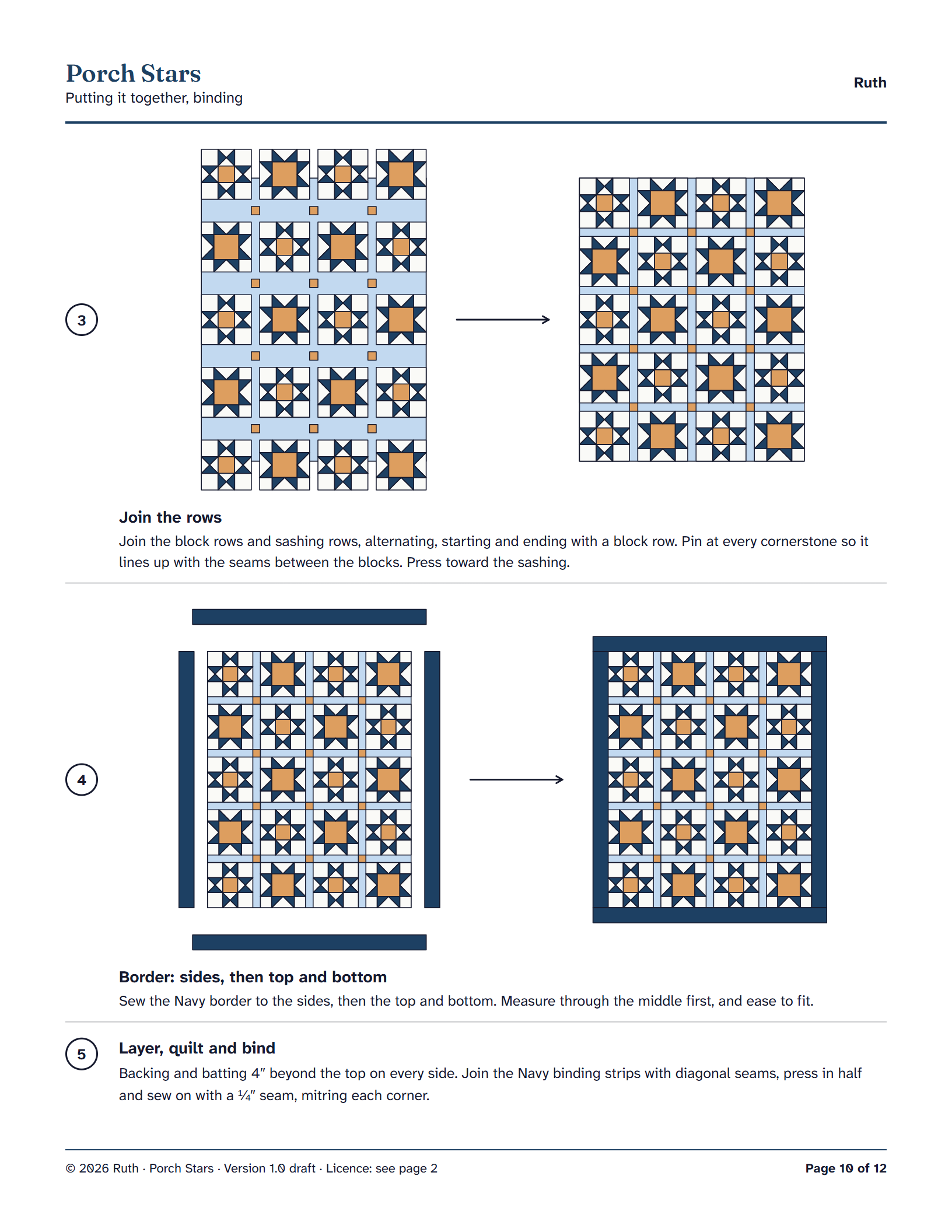
Every assembly step has its own drawing now: the block rows with their sashing, the sashing rows, joining the rows, the borders, then layering and binding. The lengths table is numbered to match the drawings, so a quilter can find the strip for step 3 without counting.
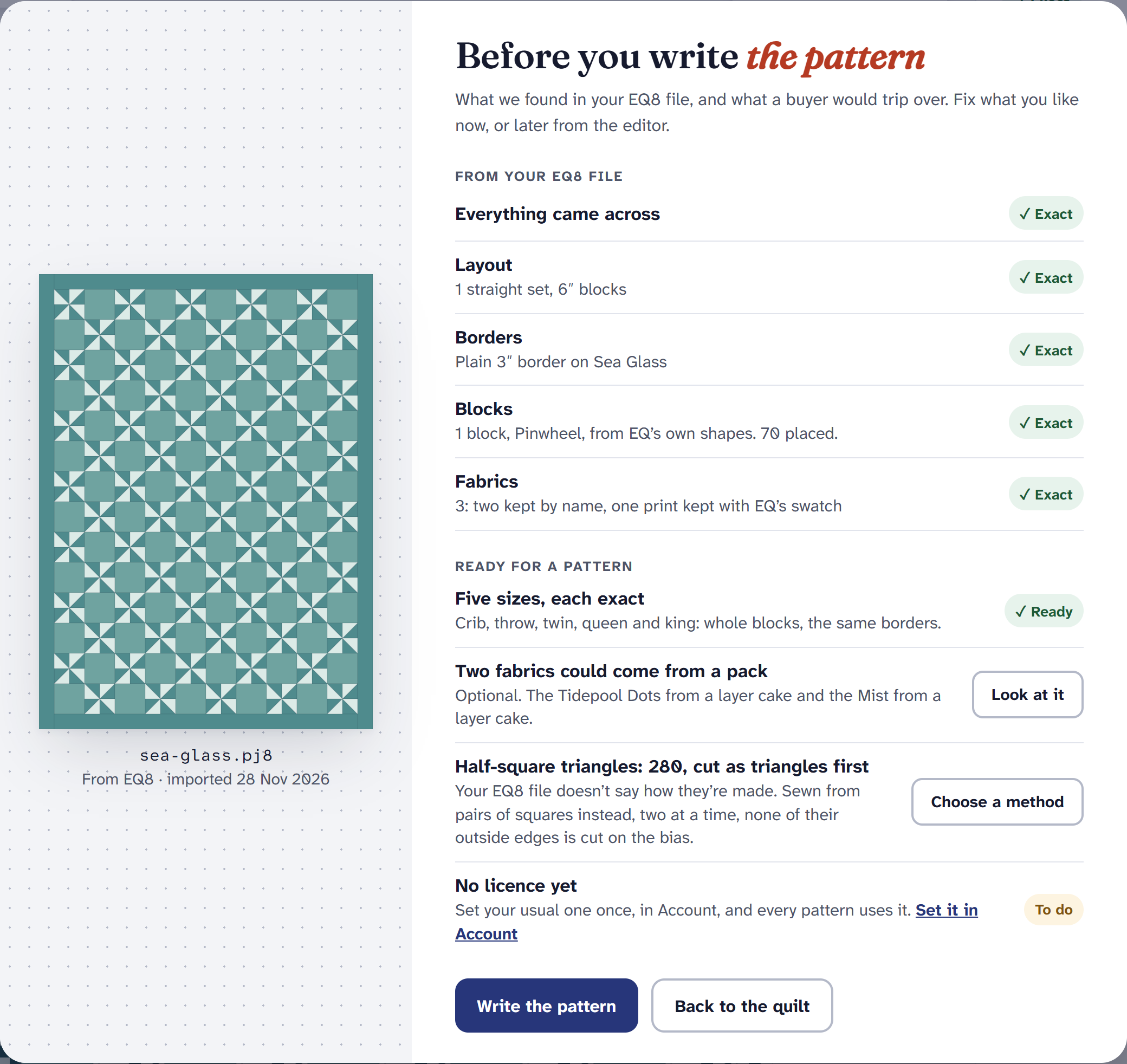
Before you write, for quilts from EQ8
When you make a pattern from a quilt you brought over from EQ8, Quarter Inch now starts with Before you write the pattern: what came across from the file, and anything a buyer could trip over. Ready to publish also shows now without opening Help.
Where to find it
Opens your Patterns. Patterns are part of Quilter; turn on Pattern designer in Account and settings.